
Real Links for ChatGPT
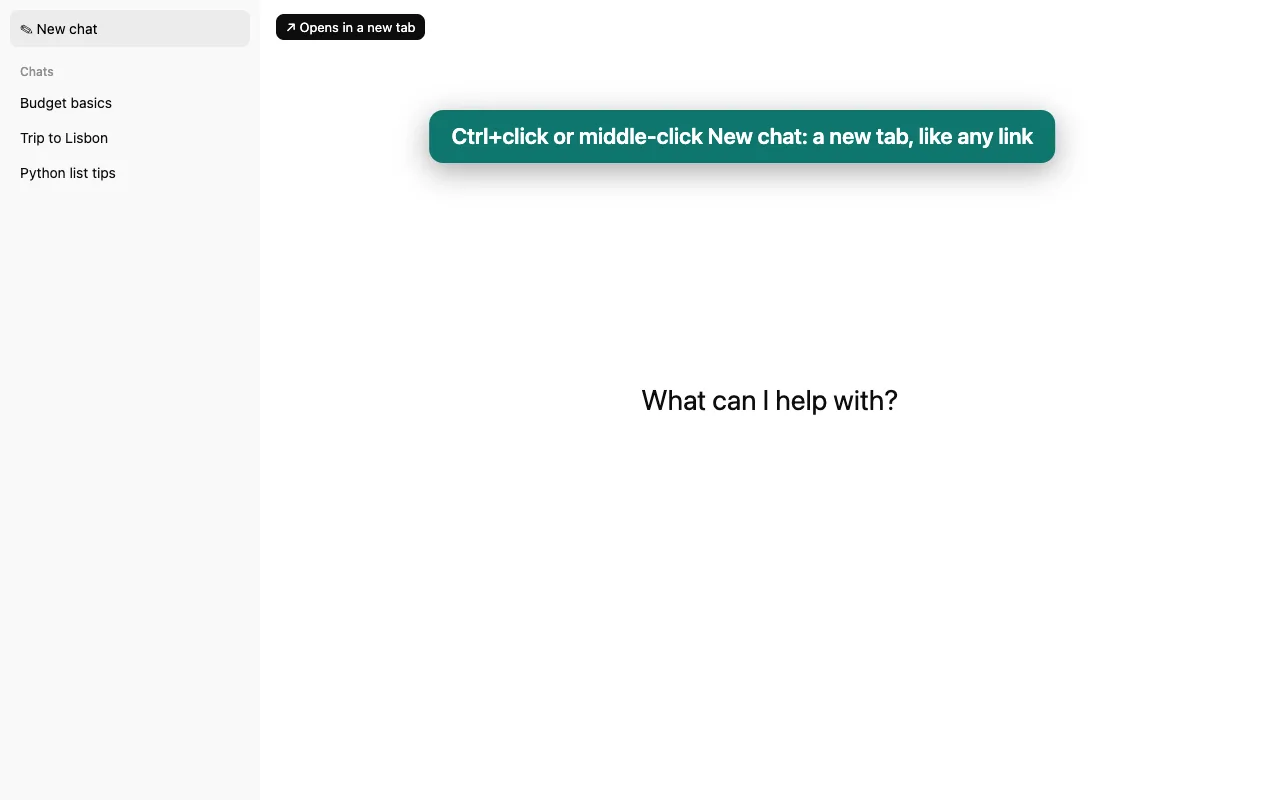
In ChatGPT, New chat is a button, not a link, so Ctrl+click and middle-click do nothing, and right-clicking a chat opens ChatGPT's menu instead of your browser's. Real Links makes both work like links again.
Free.
Questions
- What exactly changes?
- Ctrl+click (⌘+click on a Mac) or middle-click on New chat opens a new chat in a background tab; add Shift to switch to it. Right-clicking a chat in the sidebar shows your browser's menu, with "Open link in new tab" and "Copy link address".
- Can I still rename or delete chats?
- Yes. Hold Shift while right-clicking for ChatGPT's own menu, or turn the right-click change off in the toolbar button.
- What about projects?
- Not yet. Project rows in ChatGPT's sidebar are buttons with no address behind them, so there is nothing for a new tab to open.
- Is this made by OpenAI?
- No. Real Links is an independent extension by Otter Potter and is not affiliated with OpenAI.